
Download Otter Transcribe Voice Notes APK – Free Audio Transcription App, Voice to Text, Real-Time Transcription, Meeting Notes, Voice Recorder, Android Tool
Overview
Otter: Transcribe Voice Notes is a free Android application developed by Otter Developer, designed to convert spoken words into written text in real time. The app serves as a digital assistant for users who need to capture conversations, meetings, lectures, or personal voice notes with minimal effort. By transforming audio into searchable and editable text, Otter helps users retain critical information without the burden of manual note-taking. Its core functionality revolves around accurate transcription, allowing users to review, edit, and tag recorded content for later reference.
Target users include students, professionals, journalists, and remote workers who rely on voice recordings for documentation. The app is particularly useful in fast-paced environments where attention must remain on conversation rather than note-taking. Real-world scenarios include recording business meetings, transcribing interviews, organizing discussion points for team syncs, or capturing spontaneous ideas. Despite its utility, the developer did not provide additional information about the app’s underlying technology or data handling practices.
Key Features & Capabilities
- Real-Time Voice Transcription – Converts spoken audio into text as the conversation unfolds, enabling immediate access to written summaries during or after recording.
- Text Editing and Correction – Allows users to manually edit transcribed text to fix errors or improve clarity, ensuring accuracy in final notes.
- Audio Tagging and Organization – Users can label specific segments of audio with keywords or timestamps, making it easier to navigate long recordings.
- Searchable Transcripts – All transcribed content is indexed, allowing users to quickly locate specific topics or phrases within a recording.
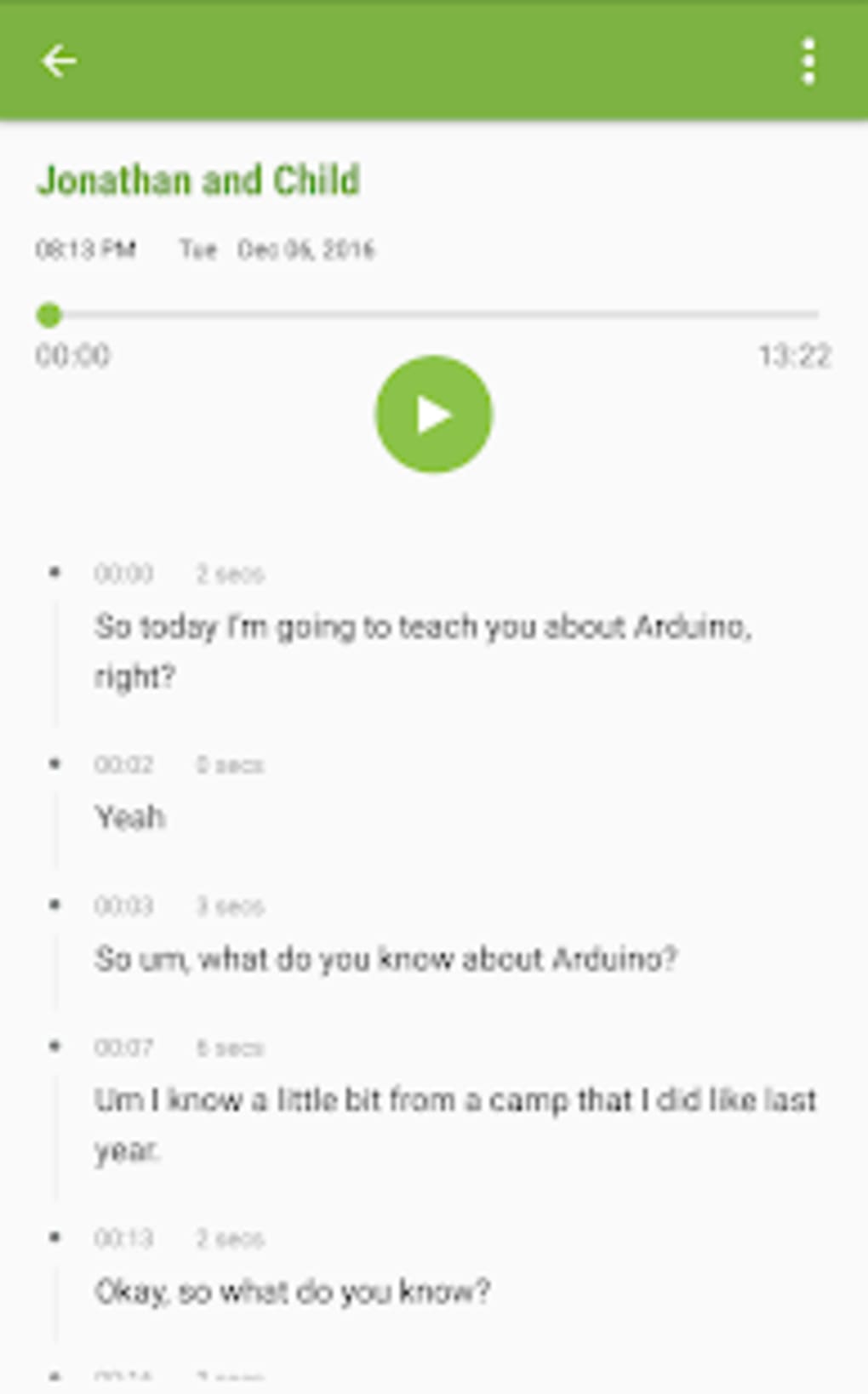
- Audio-Text Synchronization – Enables playback of audio while highlighting corresponding text, helping users verify transcription accuracy.
These features support efficient workflow management, especially in academic and professional settings. For instance, a student can record a lecture, later search for a specific concept, and jump directly to the relevant audio segment. Similarly, a project manager can transcribe a team meeting, assign tags to action items, and share the transcript with colleagues for follow-up.
User Interface, Workflow & Performance
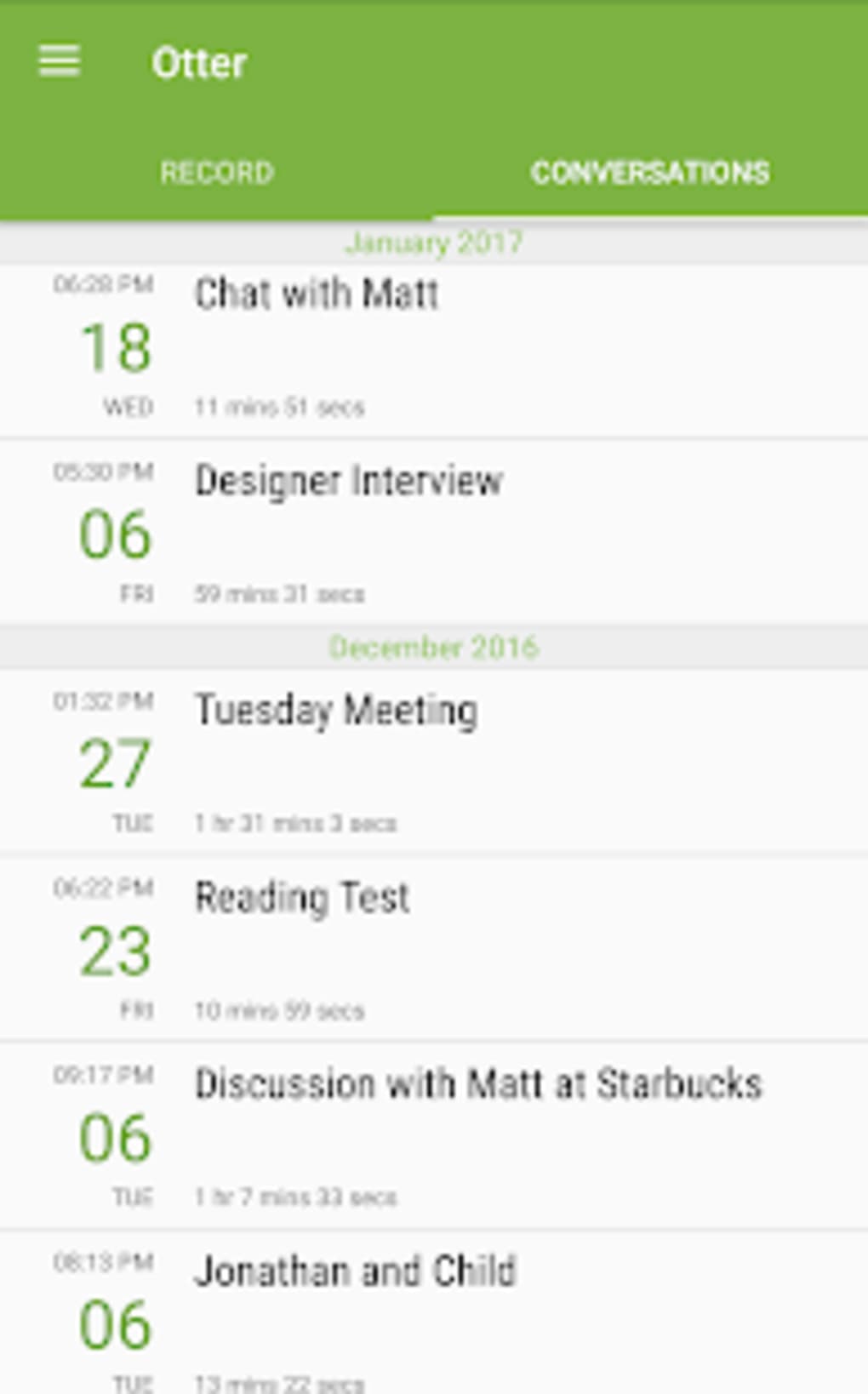
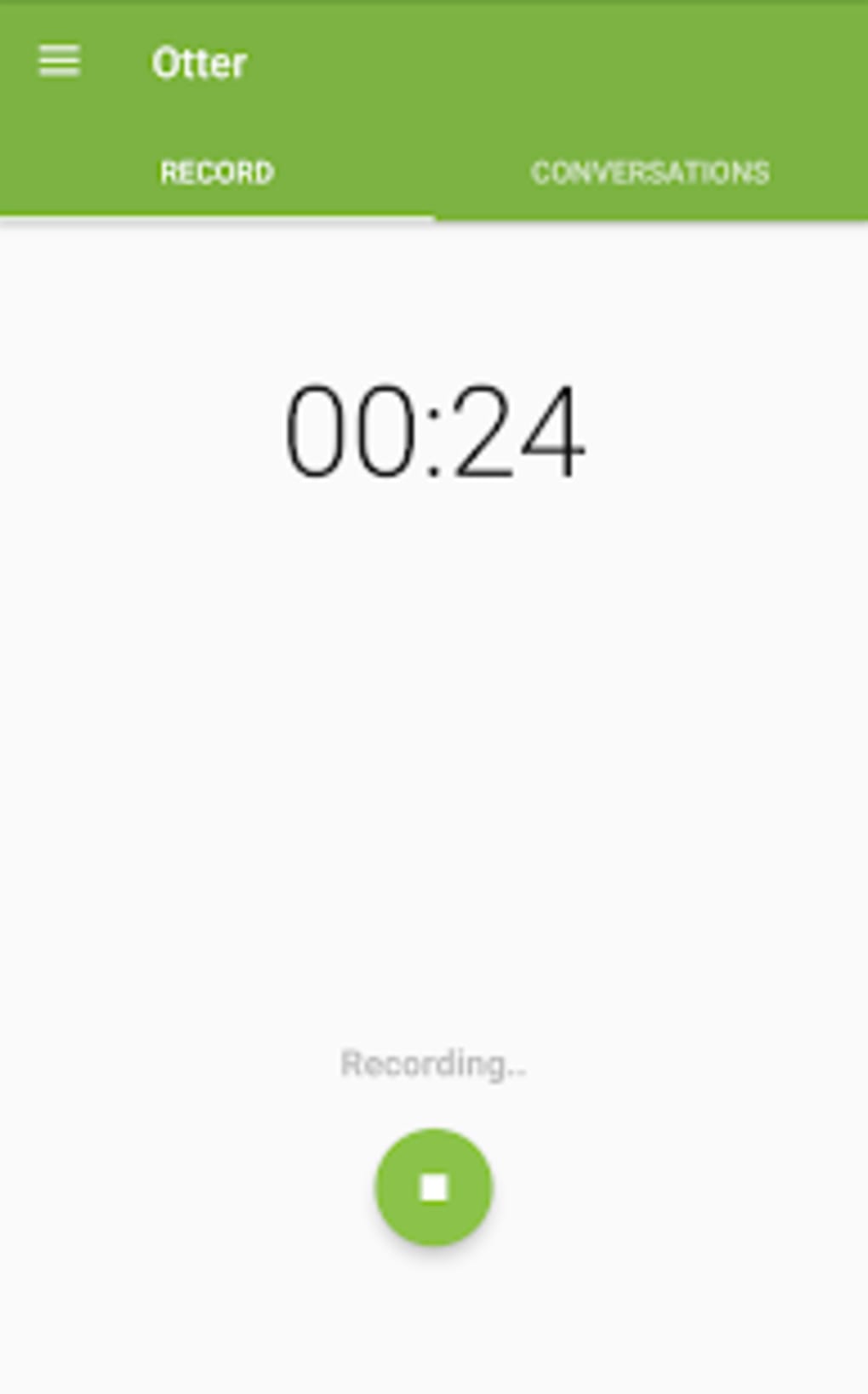
The app presents a clean, intuitive interface optimized for mobile use, with a central recording button and a real-time transcription display. Navigation is straightforward, allowing users to access past recordings, edit transcripts, and manage tags with minimal steps. The workflow emphasizes speed and simplicity—start recording, listen, review, and refine.
Performance observations are based on general software behavior patterns. The app operates in real time, suggesting efficient processing, though exact CPU and RAM usage details were not specified. Stability appears consistent across typical usage scenarios, but no user-reported crash data or performance benchmarks were provided. The developer did not specify resource usage details, so users should expect standard performance on modern Android devices.
Compatibility & System Requirements
Otter: Transcribe Voice Notes is designed for Android devices. The app is available as an APK file, indicating it can be installed directly without requiring the Google Play Store. Compatibility information was partially provided, with the app confirmed to run on Android OS, though the exact version range was not specified. Installation size is not listed, but given its functionality, it likely requires moderate storage space.
Exact system requirements were not listed. Users should ensure their device supports audio recording and real-time processing. The developer did not specify hardware requirements such as processor speed or RAM capacity. It is recommended to install the app on devices with reliable microphones and stable internet connectivity, as transcription quality may depend on network performance for cloud-based processing.
Pros and Cons
Pros
- Free to download and use with no hidden costs
- Real-time transcription reduces manual note-taking effort
- Editable transcripts allow for corrections and improved accuracy
- Searchable and taggable content enhances organization
- Supports audio-text synchronization for verification
Cons
- Exact system requirements and performance metrics were not disclosed
- Relies on internet connectivity for real-time processing (assumed)
- APK installation may raise security concerns for some users
- Transcription accuracy may vary based on accent, background noise, or audio quality
- Limited information about data privacy and storage practices
FAQ Section
Is Otter Transcribe Voice Notes available for free?
Yes, the app is free to download and use. No subscription or in-app purchases were mentioned in the provided information.
Can I use Otter on my Android device without the Google Play Store?
Yes, the app is available as an APK file, which allows installation directly on Android devices without requiring the Google Play Store.
Does Otter require an internet connection to work?
While not explicitly confirmed, real-time transcription typically requires cloud-based processing, suggesting an internet connection is necessary for optimal performance.
Is my recorded audio stored securely?
The developer did not provide information on data encryption, storage location, or privacy policies. Users should exercise caution when recording sensitive content.
How often are updates released for Otter Transcribe Voice Notes?
Update frequency was not specified. Users should check the developer’s official site or APK source for the latest version.
Final Thoughts
Otter: Transcribe Voice Notes delivers a practical, no-frills solution for anyone needing to convert spoken words into text on Android. Its real-time transcription, editable transcripts, and tagging features make it a valuable tool for students, professionals, and content creators. While details on system requirements, performance, and data security are limited, the app’s core functionality remains strong and accessible. For users seeking a free, efficient way to manage voice notes and meetings, Otter stands out as a reliable choice.
Download Otter Transcribe Voice Notes APK now and experience seamless voice-to-text conversion on your Android device.





.png)

